Minecraft launcher with its own built-in client
It runs any version on any loader. In game you get 78+ modules on Right Shift and cosmetics your friends can see.
 Kromvia
No instances yet. Create one to play.
Everything opens with Right Shift
You don't have to hunt for mods. The Kromvia client is added to every instance, and its menu holds the HUD, PvP tools, visuals and cosmetics.
Right Shift menu
One menu for every module. Drag HUD elements around, change colours and switch modules on or off. It comes with every instance.
PvP that stays fair
Keystrokes, CPS, combo and reach displays, hit colours. There is no reach hack, killaura or X-ray, so the client won't get you banned.
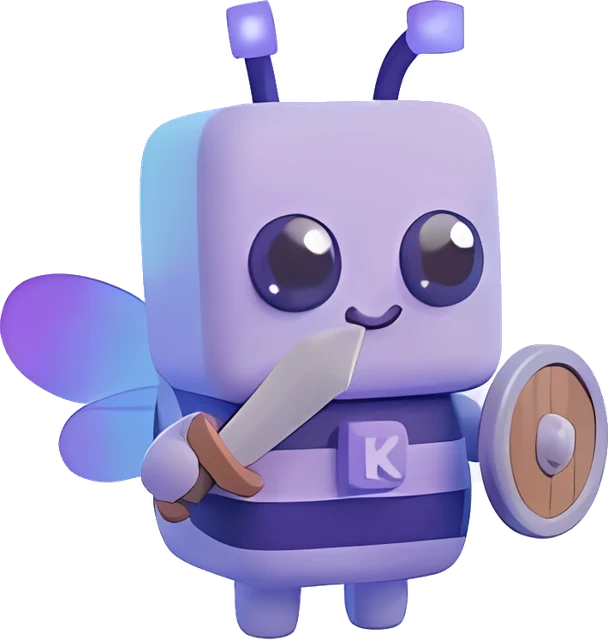
Cosmetics
Capes, wings, hats and more. Other Kromvia players on your server see them too.
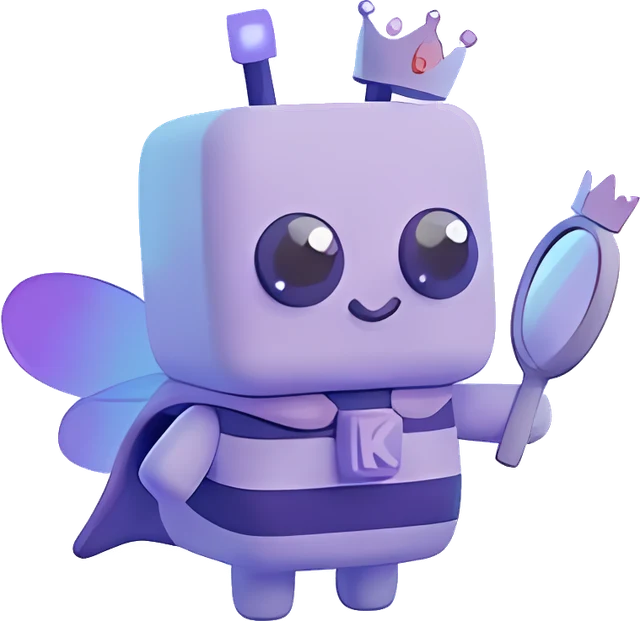
Visuals
Motion blur, trails, jump circles, your own crosshair, fog off, and control over time and weather.
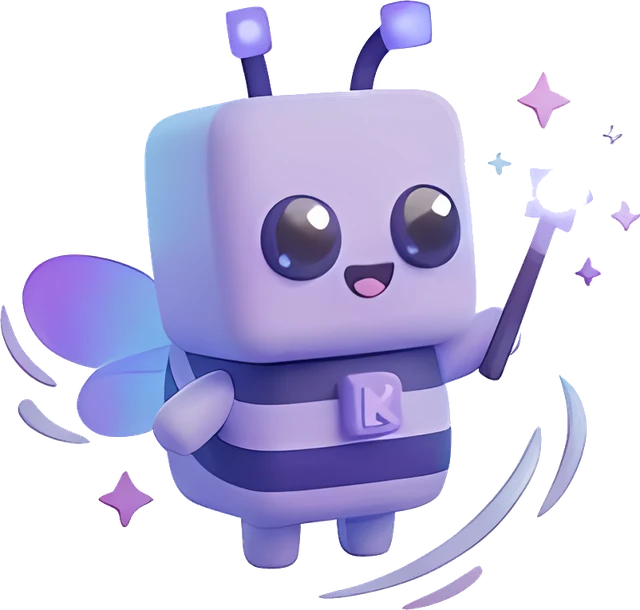
Dress up your player
Wings, capes, hats and auras. Put them on in the launcher wardrobe or in game, and other Kromvia players on your server will see them.
The launcher handles the boring part
Any version, any loader
Releases, snapshots, beta and alpha. Fabric, Quilt, Forge, NeoForge, Legacy Fabric and Ornithe, and the launcher downloads the right Java for each one.
Tuned out of the box
The Max FPS, Balance and Quality presets install Sodium and similar mods from Modrinth and size the JVM memory to your RAM.
Modrinth and CurseForge
Search mods, resource packs, shaders and datapacks for your exact version. Kromvia installs the dependencies for you.
Safe mods
Kromvia checks every file against its hash. Anything that matches known malware goes to quarantine before the game starts.
Bring your instances
Import from Prism, MultiMC, CurseForge App, Modrinth App, ATLauncher, GDLauncher or the official launcher.
Worlds, servers, screenshots
Back up and copy worlds, ping and pin servers, and browse screenshots. When the game crashes, the analyser suggests a fix you can apply in one click.
Play with friends without running a server